
Accessible Communication is responding to the fact that people have different communication needs. It’s developing your way of communicating to meet those needs.
As organisations, we are constantly sharing information and communicating with people.
Doing our best to make sure that as many people as possible can access the information we provide is really important. No one should be left out because they can’t access our content. We have a responsibility to try and make sure this doesn’t happen.
We may not get it right every time, but we need to start, try, and keep on trying and take steps to make improvements and adjustments all the time.
Practical steps you can take:
- Start now – commit to taking action.
- Do one thing at a time – avoid overwhelm.
- Keep trying.
- Write in plain language.
- Use shorter sentences and bullet points.
- Think about the default font size for emails. 12 points is the minimum recommended size for general use. 16 is better for people with visual impairments.
- Use Alt text or add descriptions to images. Accessible Social shares useful guidance and examples.
- Use CamelCase to separate the words in a phrase without spaces, by making the first letter of each word capitalised, for example when using a hashtag in a social media post. Screen readers cannot identify the individual words in a hashtag without CamelCase.
- Use headings, images and videos to break up blocks of text.
- Avoid jargon.
- Avoid abbreviations.
- Use a tool like WebAIM contrast checker which checks the difference in light intensity between text and background, to ensure it is easy to read.
- Consider diversity in your text and images – can your audience relate?
- Check in with your audience.
Pick one or two tips and try them. Make them a regular part of your comms.

CharityComms
Shares lots of useful information to support you


Accessible Social
Free resource and education hub that shares best practices for creating accessible and inclusive social media content
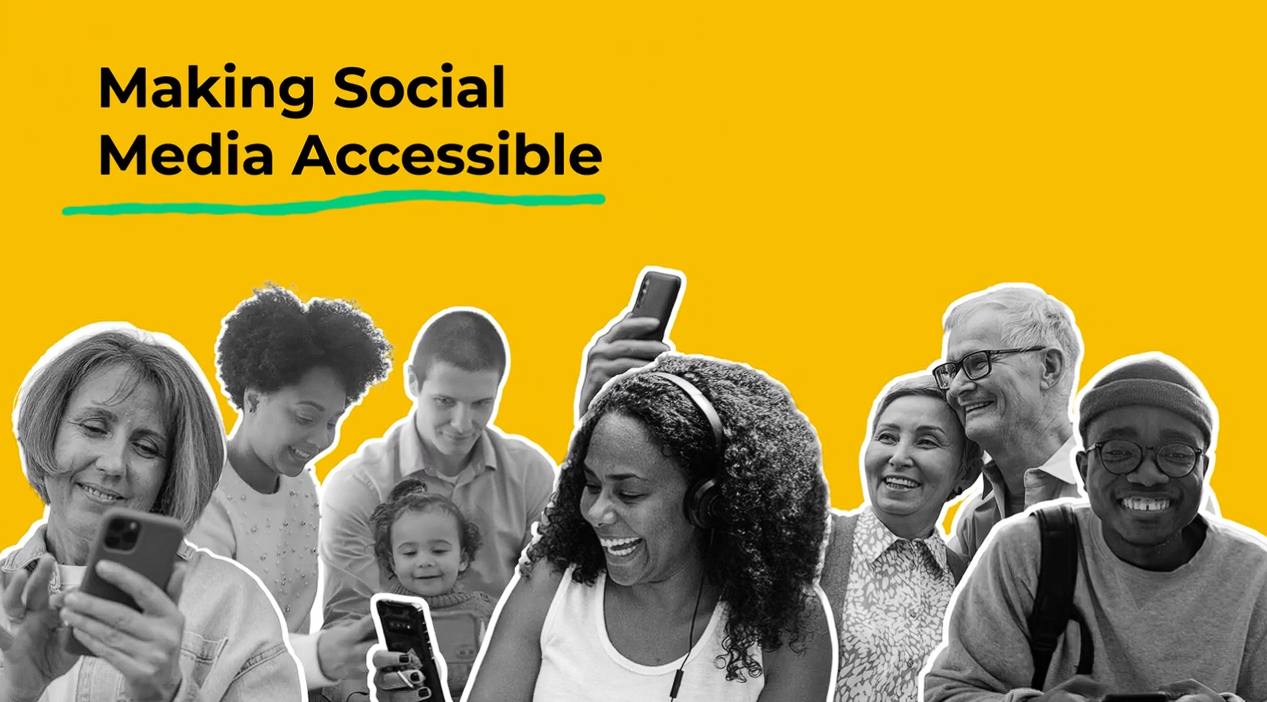
Making Social Media Accessible
Passion 4 Social’s short guide designed for community groups who want to provide a smooth, engaging experience for their existing followers.
You may also like...
Lights, Camera, Impact: How charities can use video and storytelling to connect and inspire
In today’s fast-paced digital landscape, video stands out as one of the most effective tools available to charities and voluntary groups. It is engaging, accessible,...

Why we’ve left X (formerly Twitter)
After careful consideration, we’ve made the decision to leave X. For our communications team, it was an easy choice. What began as a supportive, inclusive,...
My work experience week, by student Ryan. July 2024.
Hello, everyone. My name is Ryan, and I am a Year 10 student at the Netherhall School. Growing up in Hong Kong, I liked to volunteer during fundraising events for...

AI for Voluntary Groups: Getting Started
Artificial intelligence, or AI, is technology that enables computers and machines to simulate human intelligence and problem-solving capabilities. IBM Whether we like...

A personal introduction to Project Management
My first role on leaving university was in project management; to begin with it involved a confusing array of tasks, a seemingly epic cast of people and spreadsheets I...

From vision to reality: Creating CCVS’s new website
If you’re thinking of starting the process of getting a new website – the condensed story of our process and journey may help. Our old website was great when...

Tips for supervising volunteers
Our recent workshop on supervision skills for those managing volunteers shared tips on how best to manage the supervision. What has happened since the last...

Pride – what can you do to support Pride in a non-tokenistic way, all year round
We were pleased to recently attend an event that the Barking Owl group hosted for Pride Month. Barking Owl is the NAVCA national network for all NAVCA members who...